




HomeBlog page
Blog Details
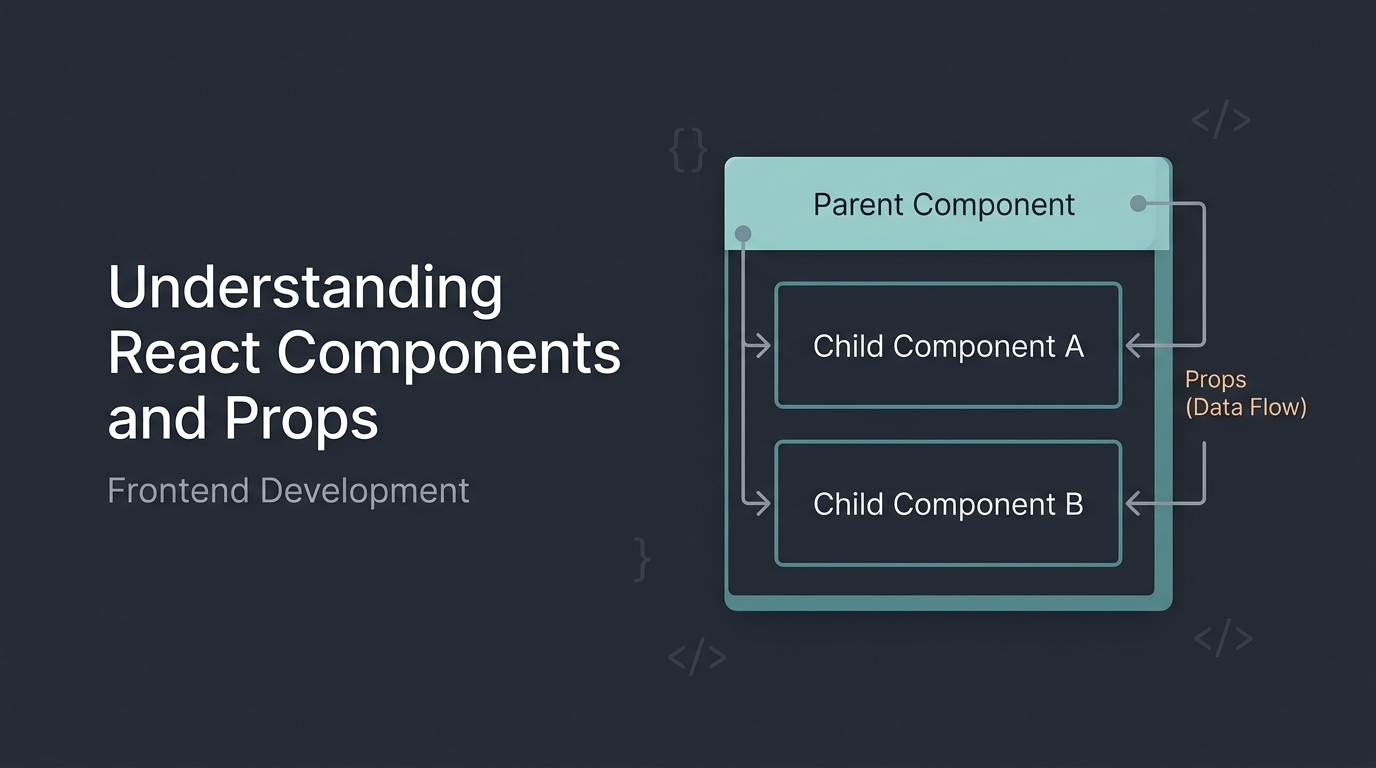
Understanding React Components and Props in Frontend Development
 Jeffrey Ray-YubaMay 22, 2026
Frontend development has evolved rapidly over the years, and one of the most powerful tools modern developers use today is React.
React allows developers to build reusable UI components that make applications easier to manage, scale, and maintain.
In this article, we'll look at:
- What components are
- How props work
- Why reusable UI matters
- A simple real-world example
What Are Components?
Components are reusable pieces of UI.
Instead of rewriting the same HTML structure multiple times, you can create a component once and reuse it anywhere in your application.
For example, imagine a course card on an education platform.
Without components, you'd repeat the same code many times.
With React components, you can reuse a single structure with different data.
A Basic React Component
Here’s a simple component example:
function Welcome() {
 return <h1>Welcome to Alkademy!</h1>;
}

export default Welcome;
This component returns a heading that can be rendered anywhere inside your application.
Understanding Props
Props (short for properties) allow components to receive dynamic data.
Instead of hardcoding values, we can pass information into a component.
Example:
function CourseCard(props) {
 return (
  <div className="card">
   <h2>{props.title}</h2>
   <p>{props.description}</p>
  </div>
 );
}
Using the component:
<CourseCard
  title="Frontend Development Bootcamp"
  description="Learn HTML, CSS, JavaScript, and React."
/>
This makes components reusable and scalable.
Why Reusable Components Matter
Reusable components help developers:
- Write cleaner code
- Reduce duplication
- Improve maintainability
- Build scalable applications faster
This is especially important in large projects where multiple pages may use similar UI sections.
For example:
- Navigation bars
- Buttons
- Course cards
- Modals
- Dashboard widgets
All of these should ideally be reusable components.
Styling Components
Most React developers use:
- CSS Modules
- Tailwind CSS
- Styled Components
Example using Tailwind CSS:
<button className="bg-blue-500 text-white px-4 py-2 rounded">
  Enroll Now
</button>
Utility-first frameworks like Tailwind CSS make styling faster and more consistent.
State vs Props
A common beginner confusion is understanding the difference between state and props.
Example of state:
import { useState } from "react";

function Counter() {
 const [count, setCount] = useState(0);

 return (
  <button onClick={() => setCount(count + 1)}>
   Count: {count}
  </button>
 );
}
This creates an interactive button that updates whenever the user clicks it.
Final Thoughts
Learning components and props is one of the biggest milestones in frontend development.
Once you understand them well, building modern applications becomes much easier.
If you're starting your frontend journey:
- Master HTML & CSS
- Learn JavaScript fundamentals
- Practice React components daily
- Build small projects consistently
Frontend development is best learned by building real projects, making mistakes, and improving over time.
0 Comments
- No comments yet.
Write your comment

Search here
Recent Post
 01
01 02
02 03
03